Nimo brings AI-powered skills simulation training to organizations through natural voice and video conversations.
My role
Interface design and user flows
Built and maintained design system across 3 versions
Brand refresh and visual design
Focuses and results
Launched 0→1 product
Enabled efficient iteration across 4 user types
Reduced design update time through component library
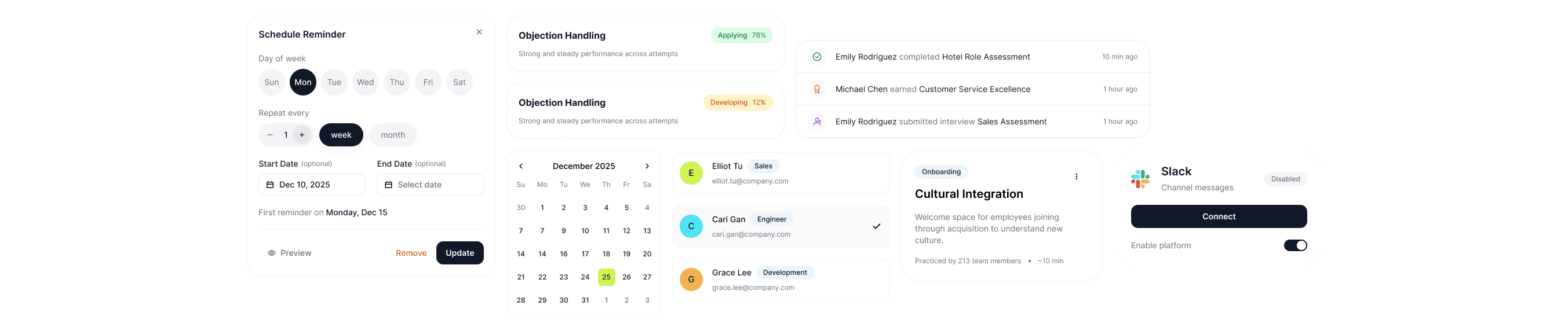
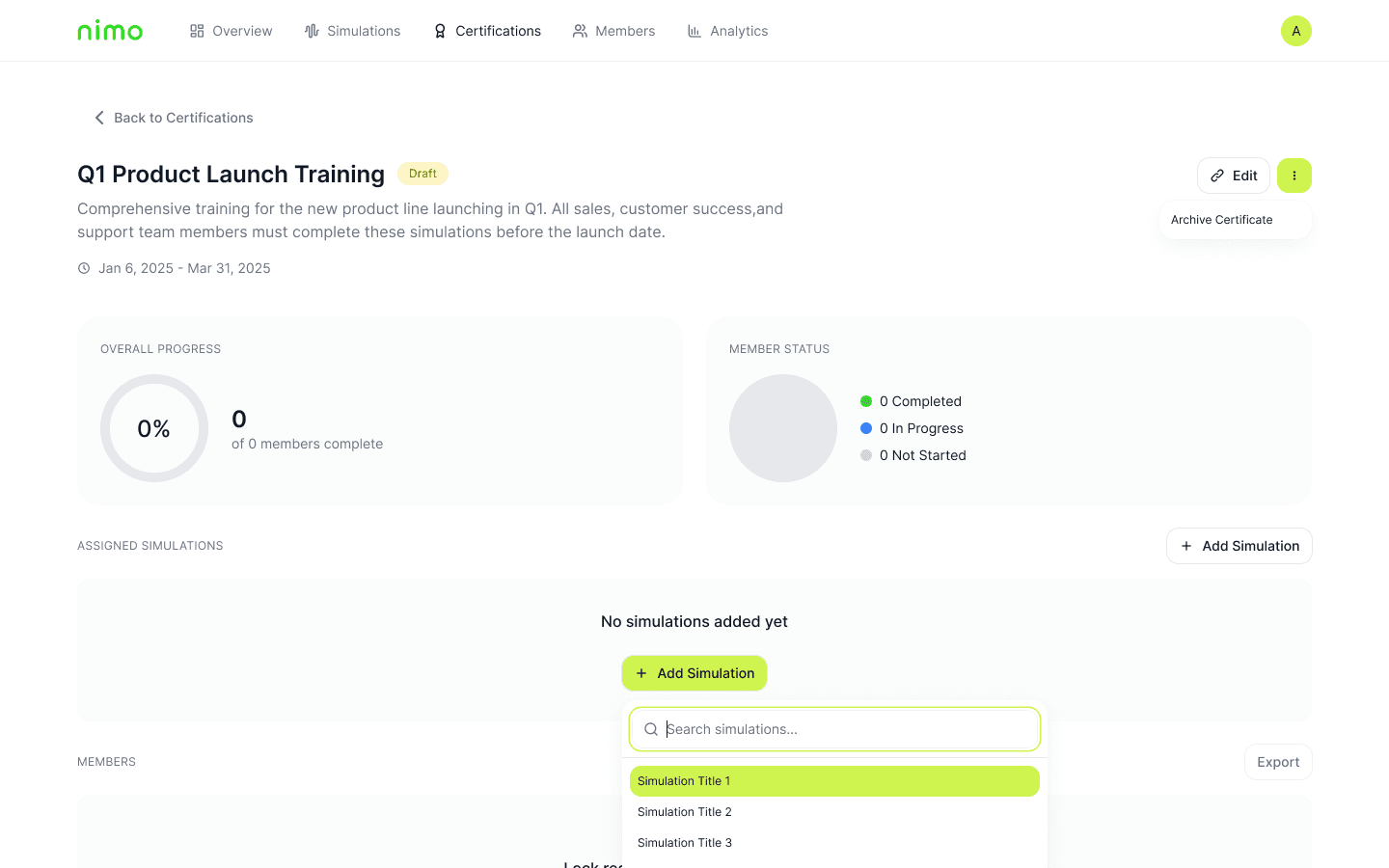
As the product designer @ SchoolJoy, I was tasked with bringing Nimo to life as a new product line. I built the design system from scratch and designed the complete interface across 4 different user types as well as version updates. Below are some components from our most recent version.
Design System
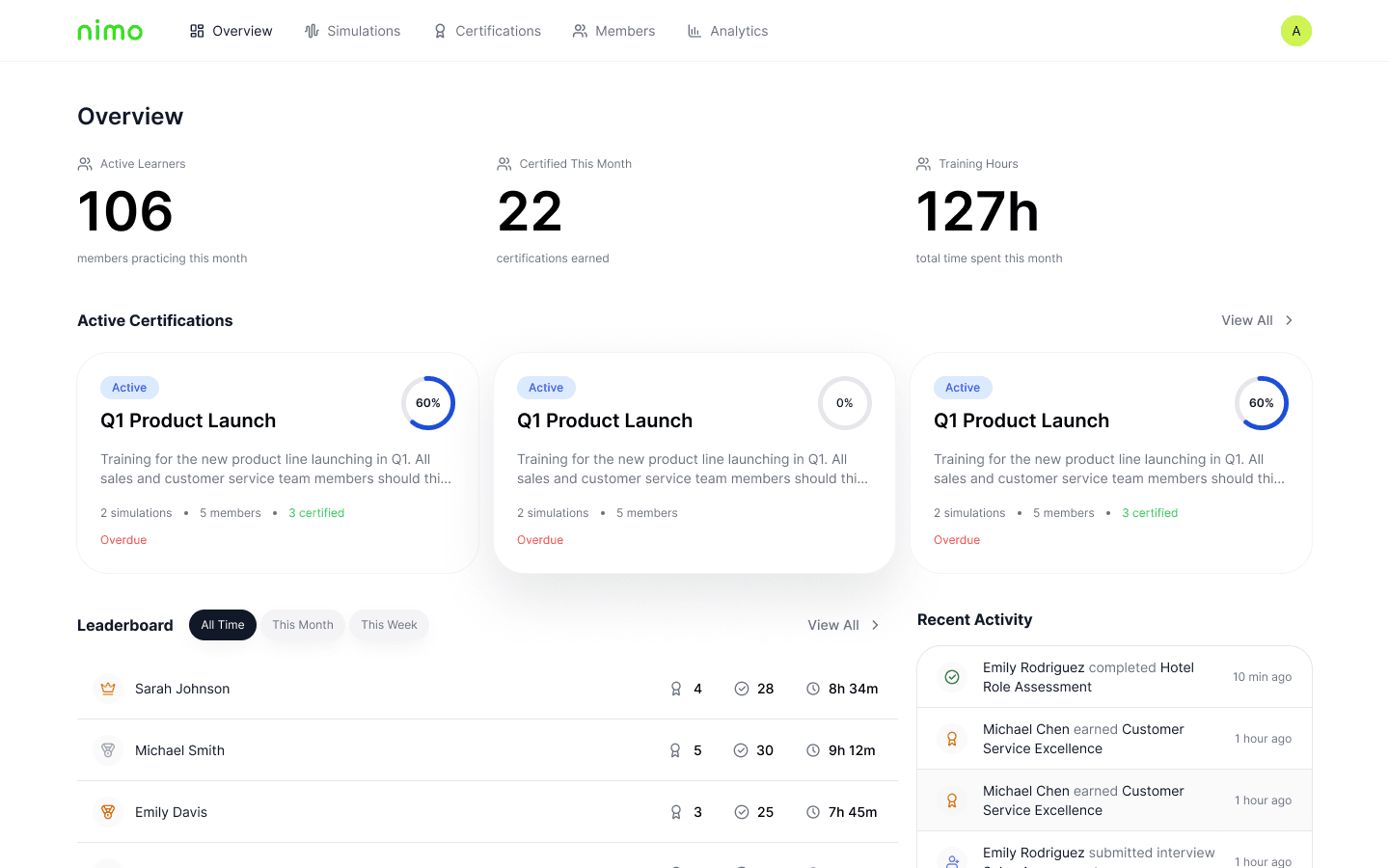
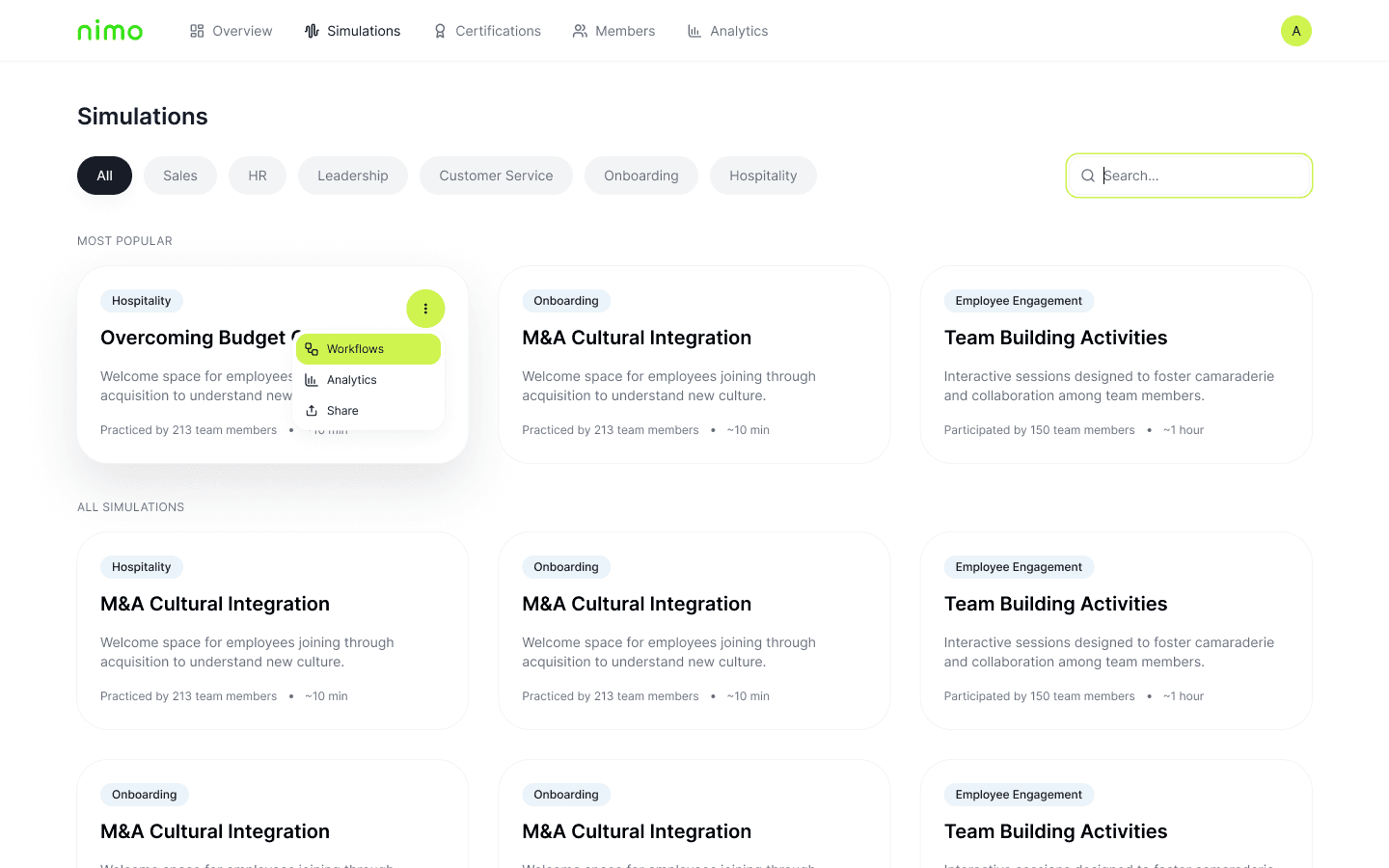
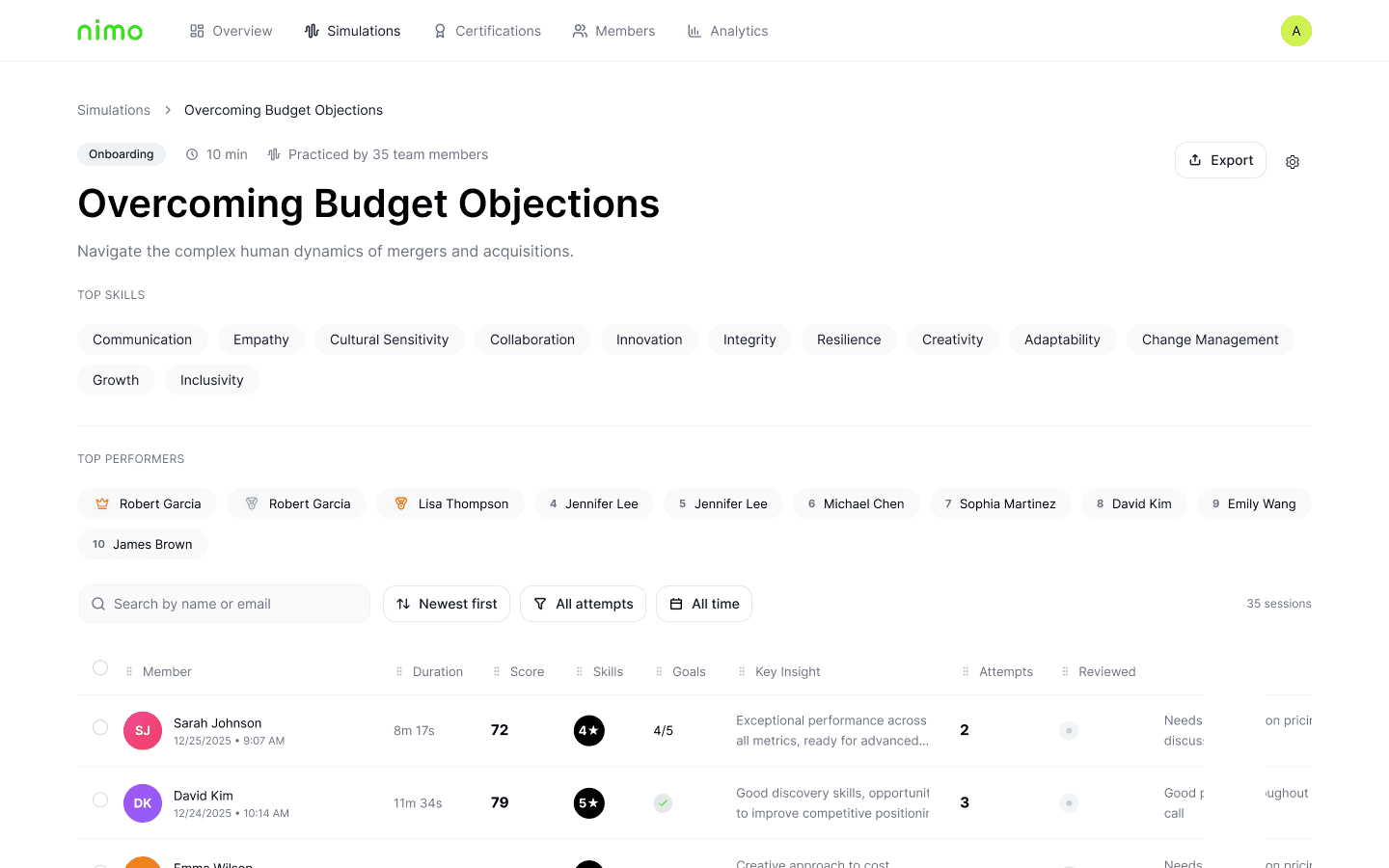
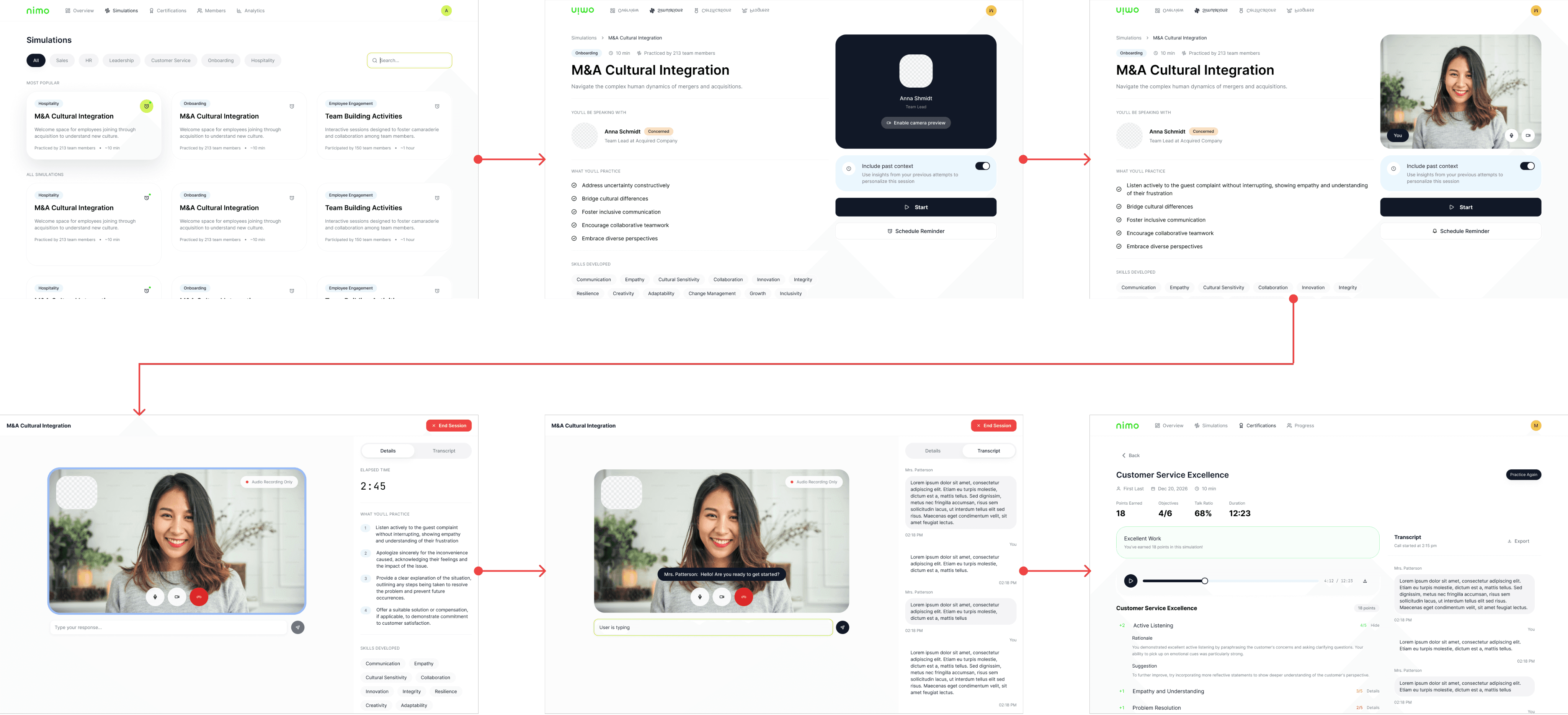
The platform required dozens of screens across 4 user types with screens from simulation creation to live AI conversations to detailed analytics.
To maintain consistency and speed up iteration, I built a modular design system with reusable components like cards, buttons, and navigation elements. Each component could be combined and rearranged to familiar patterns for users.
Admin user
Employee user
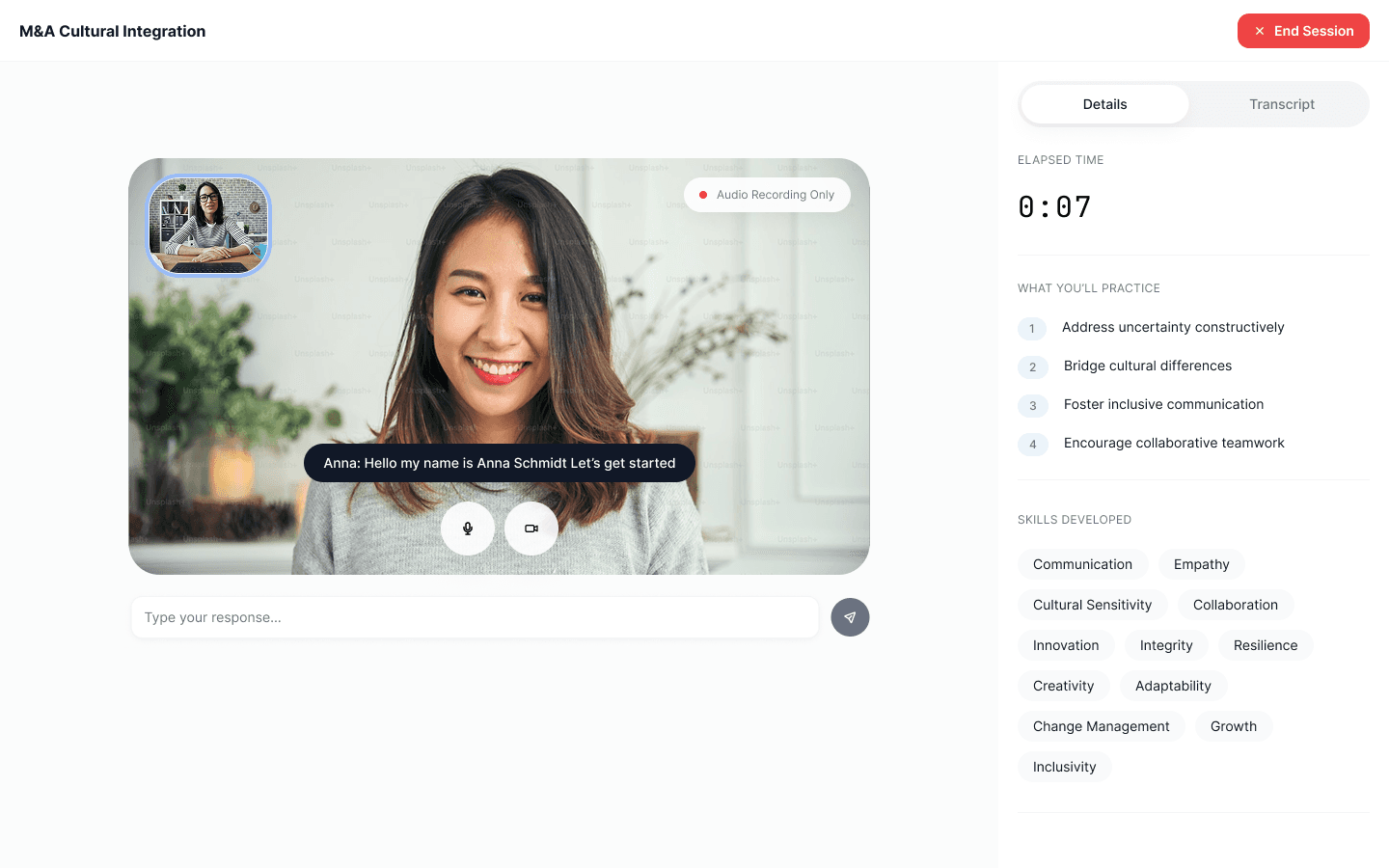
Our latest version added more features that helped users treat the simulation like an actual video call such as mute/video controls.
Learning objectives and skills were added to an accessible tab on the right so users could reference them and intuitively switch between details and transcript.
Outcome
Nimo launched with partnerships including CF CAPS and America Succeeds for durable skills development. The design system enabled fast iteration and consistency across 4 user types.