2024 SchoolJoy
AI Apps for Teachers: From Idea to Tool in Minutes
Summary
I worked closely with our founder to design SchoolJoy's AI App builder, enabling teachers to create custom AI applications without technical knowledge. By structuring creation around natural language and field-based customization, teachers could turn a single sentence into a functional, reusable AI tool in under 5 minutes.
Focus: Accessibility, AI democratization, and teacher efficiency
Role & Scope
Title: Design Lead @ SchoolJoy
I worked on the end-to-end design from concept to launch, working closely with the founder and dev team to translate teacher needs and AI capabilities into an accessible creation flow. This included the one-sentence input, structured customization interface, and two-column usage layout.
Design Challenge
Design an AI tool builder that's simple enough for non-technical teachers but flexible enough for diverse use cases, making AI application creation as easy as describing what you need.

The Challenge
Problem
Technical barriers blocked adoption
Creating custom AI tools or using ChatGPT required prompt engineering skills. Teachers do not have time to learn these skills.
Problem
Current solutions didn't fit specific needs
Tools like ChatGPT were too broad and required too much context each time, making them impractical for the focused, repeatable tasks teachers actually needed help with.
“How might we enable non-technical teachers to create custom AI applications that are flexible enough for diverse use cases, yet structured enough to prevent errors?”

Design and UX decisions that made it work.
I worked closely with our founder and our AI dev team to identify constraints and design a three-step flow that turns a single sentence into a working AI tool.
The solution: Structure without complexity
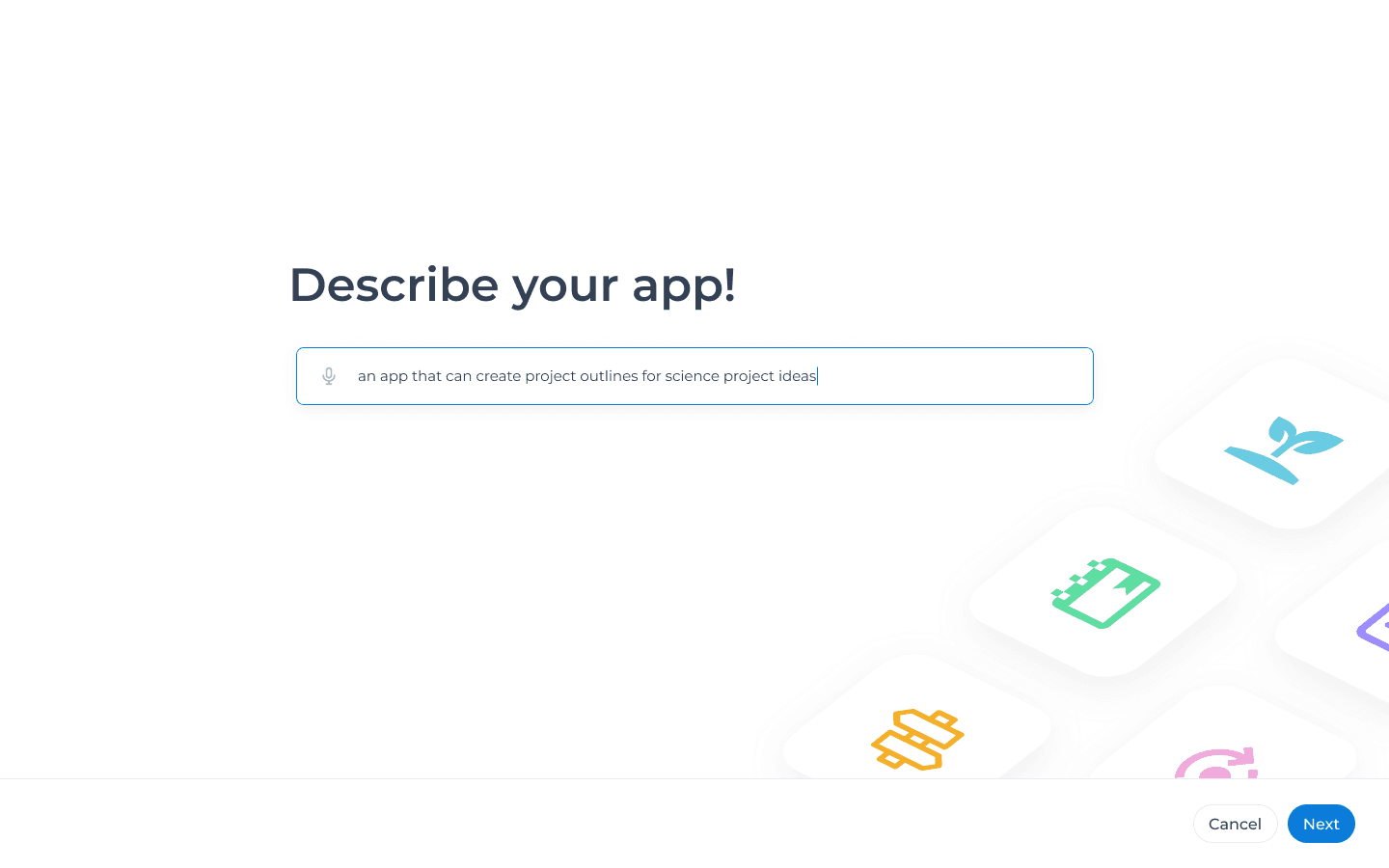
Step 1: Describe what you want
Teachers start by describing their idea in plain English.
"I want to build a habit tracker for students"
No technical language. No prompt engineering. Just describe what you need.
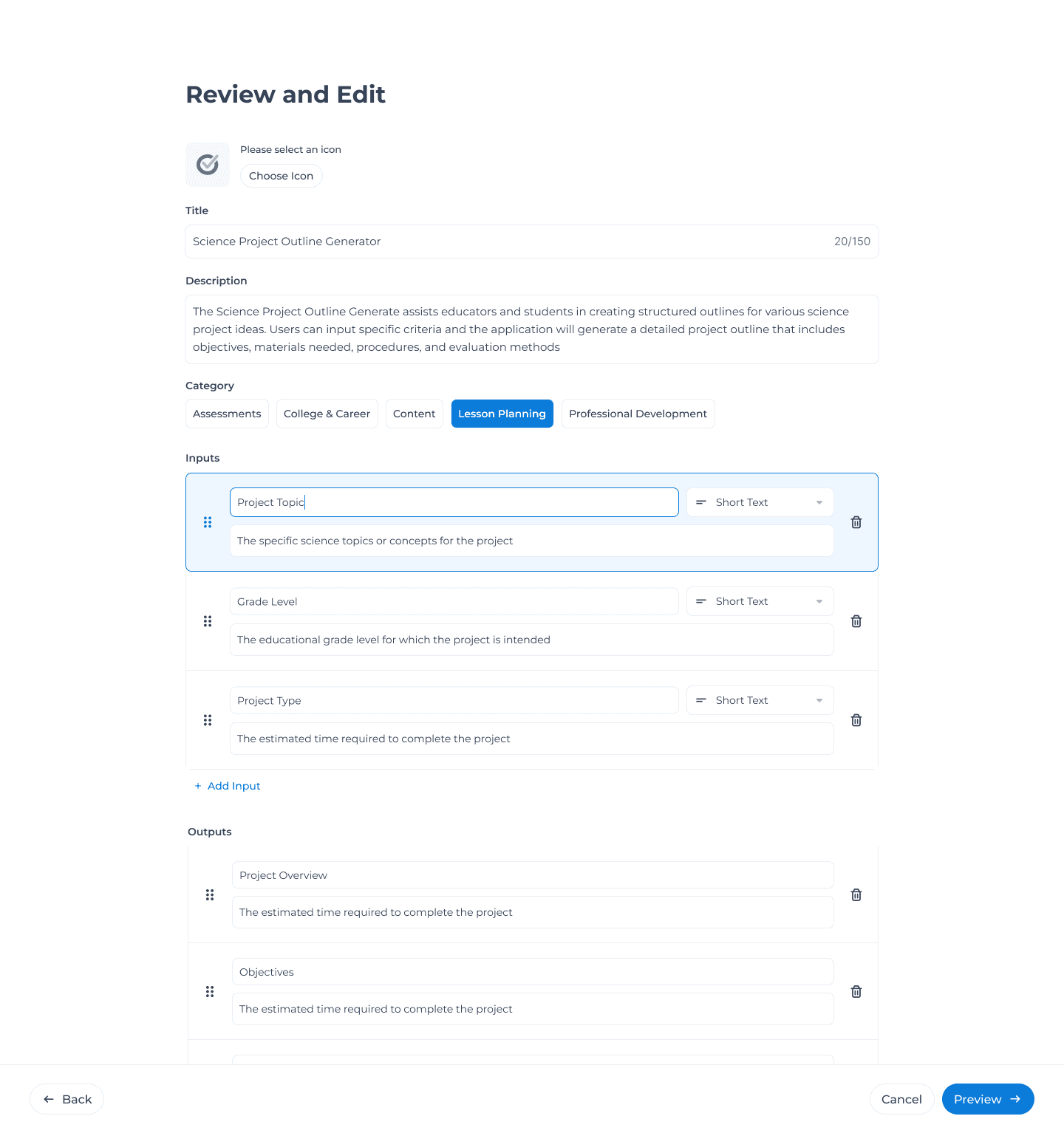
Step 2: Customize the structure
The AI generates an initial app structure. Teachers can then refine it and customize the inputs and outputs that they would like the AI tool to have.
Users don’t have to start from scratch.
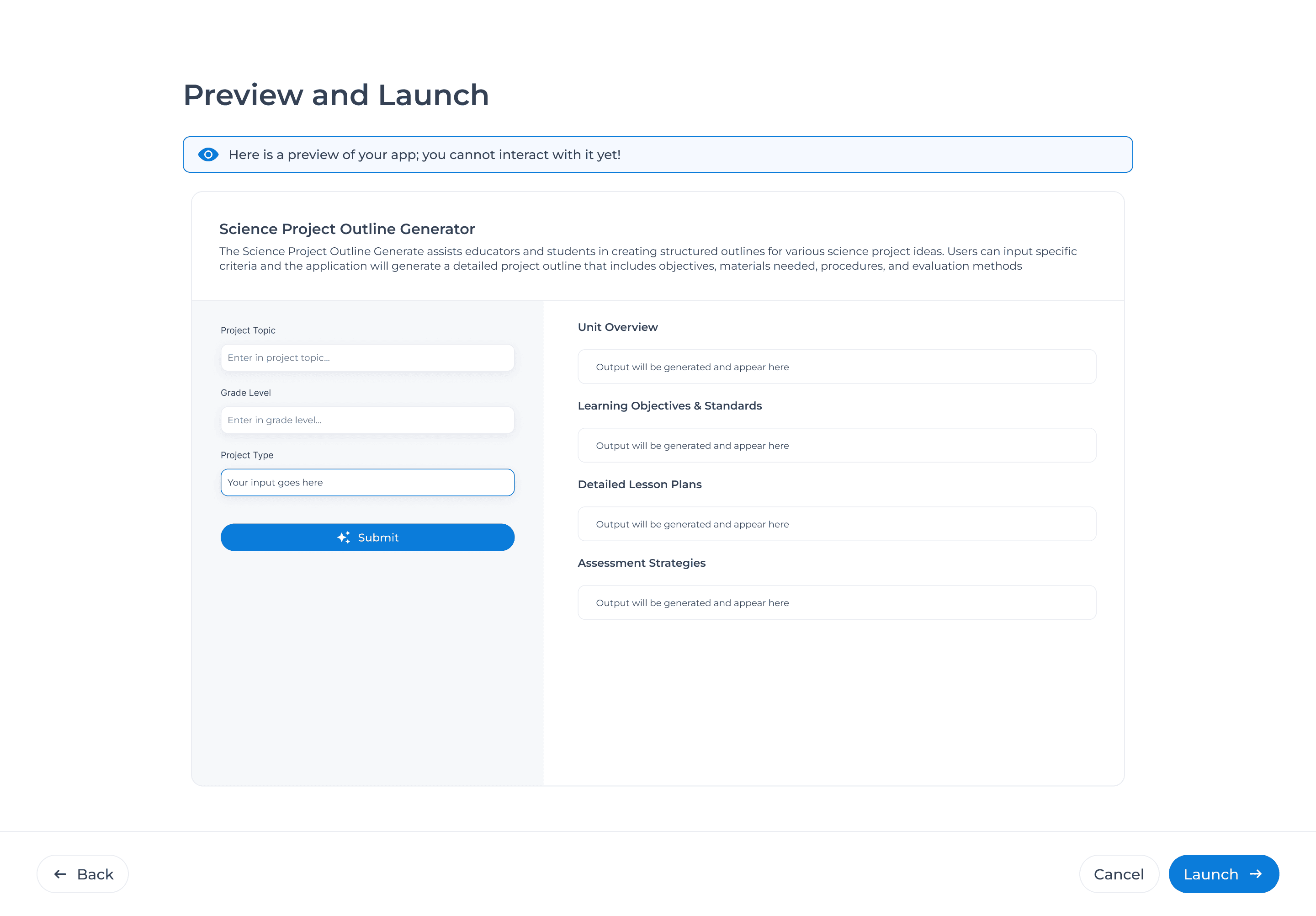
Step 3: Preview and Launch
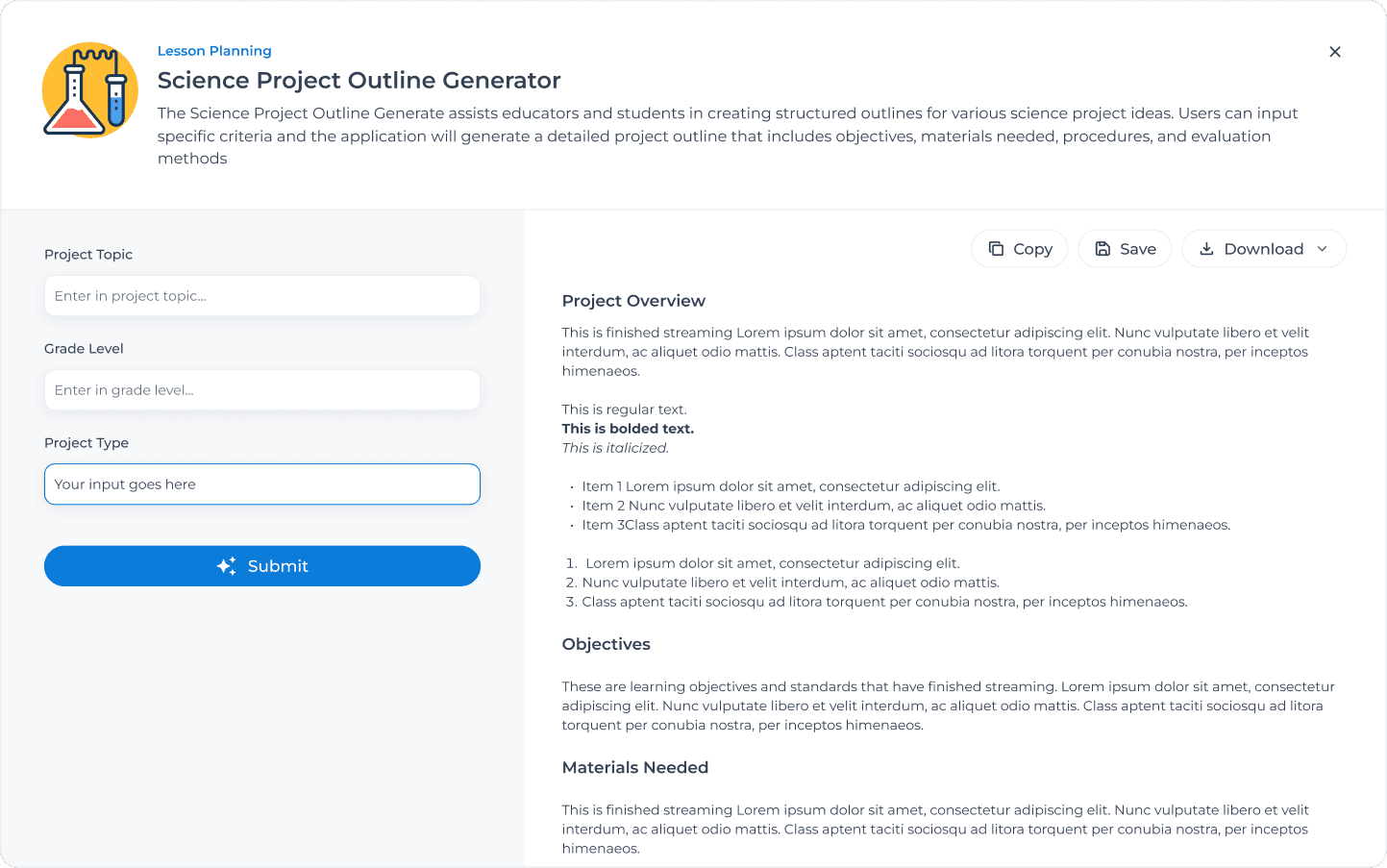
Before going live, teachers can preview exactly what their app will look like when they use it.
Once launched, the app saves to their library for repeated use.
Over time...
We iterated on this design, such as sharing AI tools between teachers and schools. Once the first app was created, we were excited to bring more value to this feature.
Related Screens
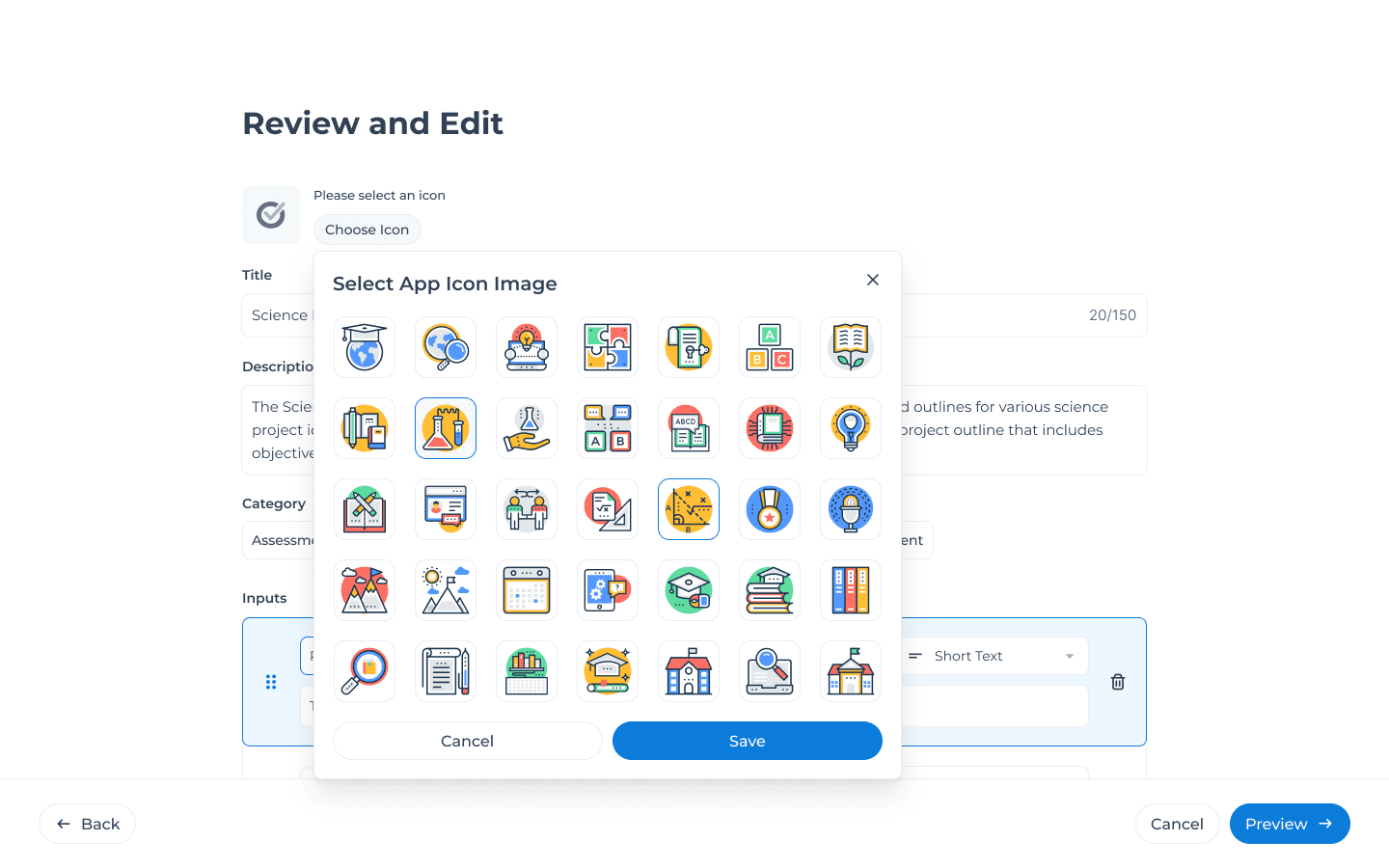
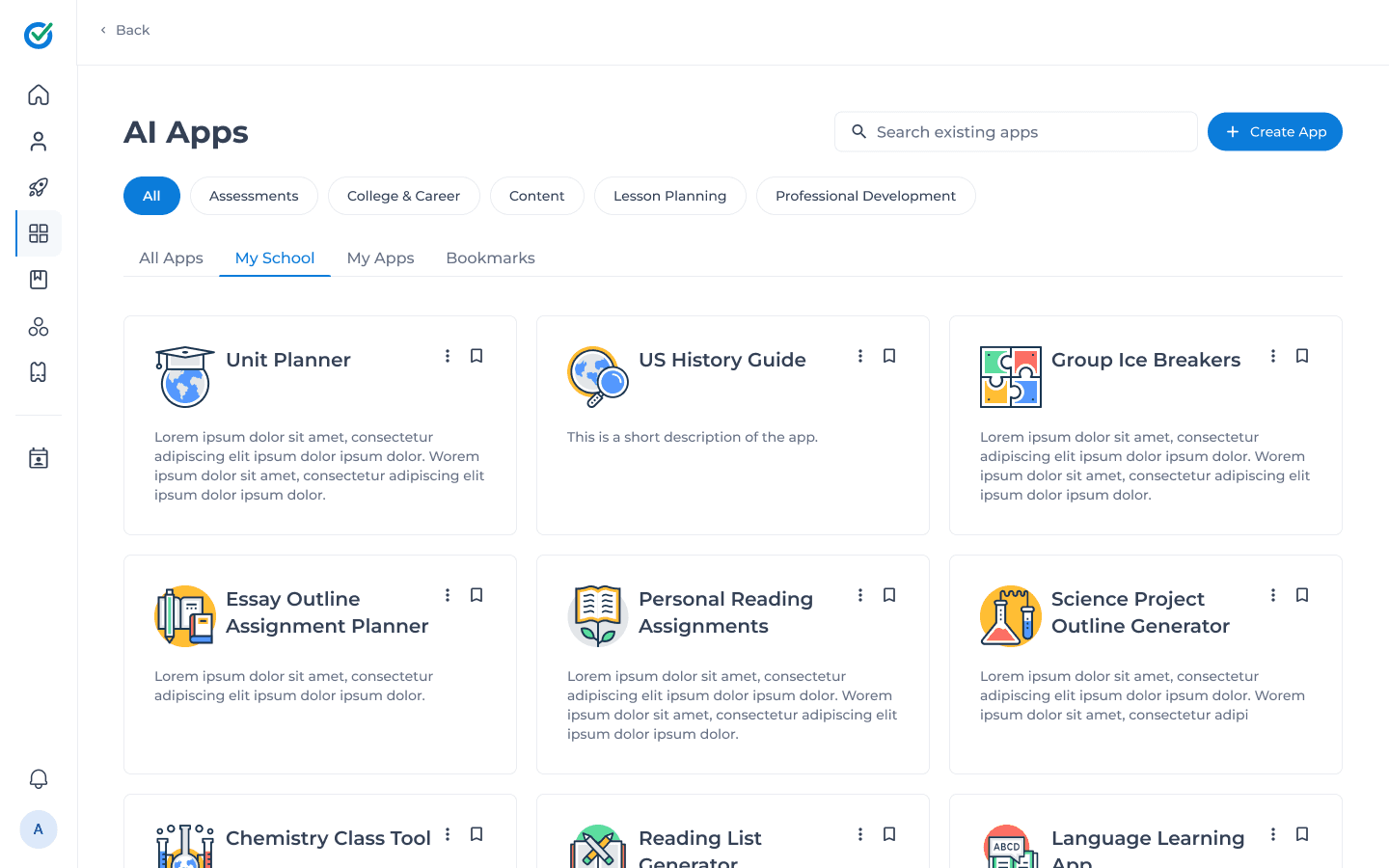
Other parts of the AI Apps experience: choosing custom icons, browsing existing apps, and the post-launch interface.
Key Takeaways
By designing around natural language and clear visual relationships, we turned a complex technical process into something any teacher could do in minutes.